

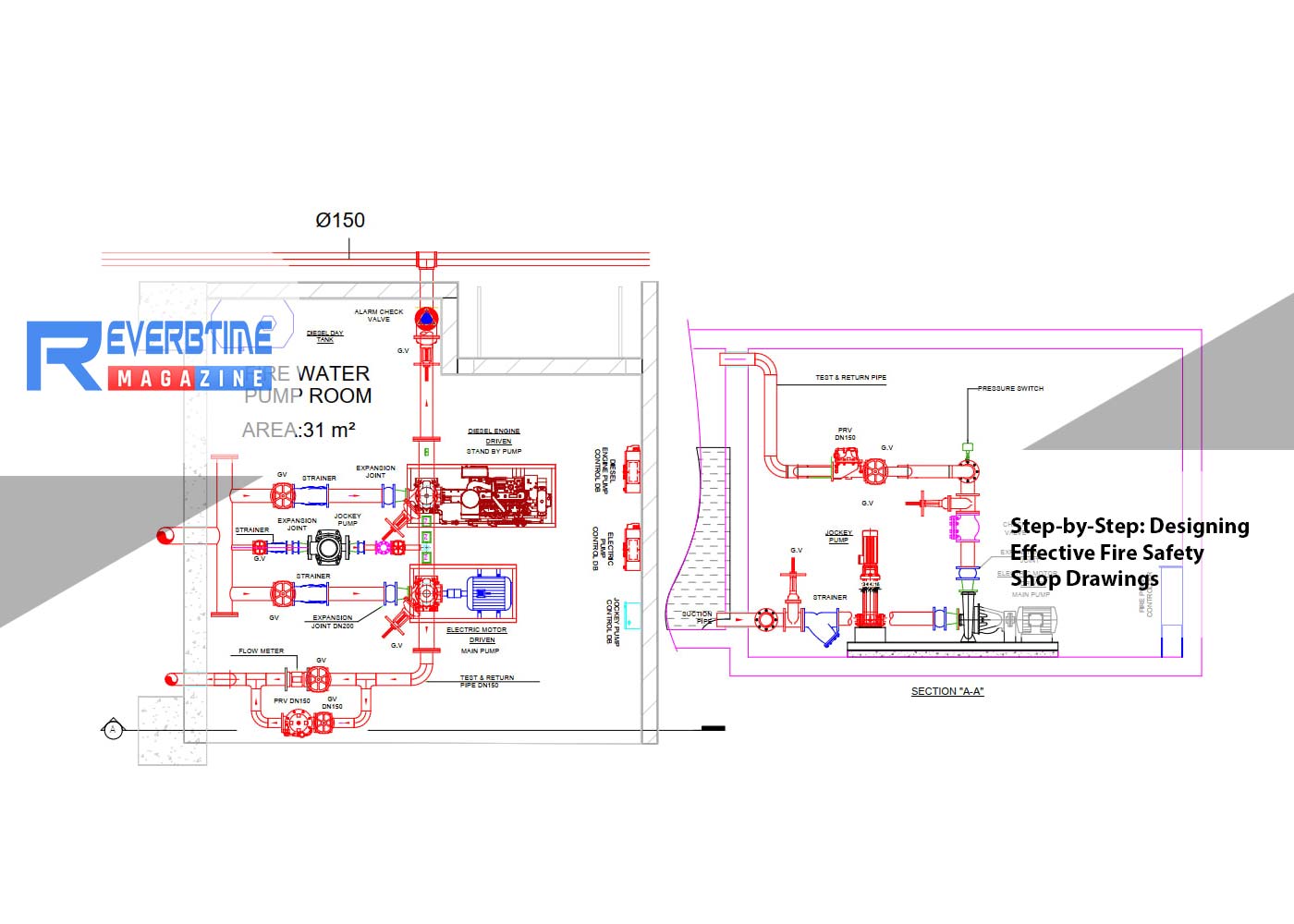
You are three weeks into your first job as a junior
draftsman. Your senior hands you a redlined floor plan, a thick PDF of the
architect's drawings, and a copy of the fire code. He says, "Get me the
fire alarm and sprinkler shop drawings for this floor by Thursday." You
sit down, open AutoCAD, and stare at the screen. Where do you actually start?
Most fire safety shop drawing tutorials skip this part. They tell you what a finished drawing
looks like, not how to build one without making the same mistakes everyone
makes their first year. This guide walks you through the process from blank
screen to approved set, with the small details that save you from rework.
What a fire safety shop drawing really is
Before you draw anything, you should know what you are
making. A fire safety shop drawing is the working document that shows exactly
how the fire protection systems get installed in a building. It covers fire
alarm devices, sprinklers, hydrants, fire extinguishers, smoke control,
emergency lighting, and exit signs. The architect's drawings show the building.
The shop drawings show the fire safety equipment inside that building, with
real measurements, real device counts, and real pipe sizes.
These drawings get reviewed by the consultant, the
contractor, and the local authority. In the UAE, that authority is Dubai Civil
Defence or the relevant emirate's civil defence body. Their approval, called an
NOC, is what lets the project move forward. Defective information, not
following DCD drawing format, submitting irrelevant documents, poor document
organization, and ignoring the fire and life safety code are common challenges
of obtaining DCD approval. Every step in this guide aims to keep you out of
that list.
Step 1: Read the architectural drawings before you draw anything
Open the architect's plan and walk through it on screen as
if you were inspecting the building. Find every room, every corridor, every
door, and every staircase. Mark where the false ceilings sit, where the
structural columns are, where the doors swing, and where the windows go. If the
project has multiple floors, repeat this for each one.
You are looking for two things. First, the layout itself.
Second, the things that will get in your way later. A column where you wanted a
smoke detector. A beam where the sprinkler pipe needs to run. A door swing that
blocks the path to a fire extinguisher. Spotting these now saves hours of
redrawing.
Step 2: Pull the fire and life safety code requirements
Open the UAE Fire and Life Safety Code of Practice. Find the
section that matches the building type you are working on. A warehouse follows
different rules than a hotel, which follows different rules than a school. The
code tells you the spacing between detectors, the coverage area of each
sprinkler, the travel distance to the nearest exit, the required width of
corridors, and the fire rating of doors and walls.
Write these numbers on a separate sheet before you start
drawing. You will use them constantly. Junior draftsmen who skip this step end
up guessing, and guessing is what gets drawings rejected.
Step 3: Set up your drawing template properly
Open your CAD or BIM software and start with the right
template. Most firms use AutoCAD for 2D shop drawings and Revit for BIM
coordination. Some offices work in both, where Revit handles the model and
AutoCAD produces the final approval sheets.
Set your title block first. It needs the project name, the
consultant's name, the contractor's name, the drawing number, the revision
number, the date, and a space for the engineer's stamp and signature. Use the
layer naming conventions your office follows. Keep fire alarm devices on one
layer, sprinklers on another, hydrants on a third. Use the symbols approved by
the local authority. DCD provides standard formats on its website, including
PDF and AutoCAD files with unified colors and symbols, and these formats change
yearly, so checking the current formats before printing is vital.
If you are working in Revit, make sure your fire protection
model is linked to the architectural and structural models, not copied from
them. Linked models update automatically when the architect changes something.
Copied models do not, and that is how clashes get into your drawings.
Step 4: Place the devices according to the code
Start with fire alarm devices. Place smoke detectors in
every room that requires one, spaced according to code. Add heat detectors in
kitchens and mechanical rooms. Place manual call points at every exit and along
escape routes, no further apart than the code allows. Add sounders so the alarm
can be heard from every part of the floor.
Move on to sprinklers. Lay out the heads on a grid that
meets the coverage area for the building's risk classification. Light hazard
areas like offices need different spacing from ordinary hazard areas like
warehouses. Show the pipe routing from the riser to each head, with sizes
calculated for the flow demand.
Add hydrants and hose reels next, then fire extinguishers,
then emergency lighting and exit signs. Make sure the travel distance from any
point in the building to an exit sign is within the code limit. The code is not
a suggestion. A drawing that misses these basics gets rejected on the first
review.
Step 5: Coordinate with the other trades
This step is where most junior draftsmen lose time. Your
fire alarm cable tray cannot run through the same space as a structural beam.
Your sprinkler pipe cannot share a ceiling void with a 600 mm HVAC duct unless
you coordinate the levels. Your smoke detector cannot sit where a lighting
designer placed a recessed downlight. DCD often withholds approval due to
coordination clashes between architectural, electrical, and fire protection
plans, and a common example is an alarm detector placed where an architectural
column exists.
Before you finalise anything, overlay your drawing on top of
the mechanical, electrical, plumbing, and structural drawings. In Revit, this
is automatic if your models are linked correctly. In AutoCAD, you do it with
external references, called xrefs. Walk through every floor and look for
clashes. Move your devices and pipes to clear them, or raise the issue with the
lead engineer if the clash needs a design change.
This sounds tedious. It is. It is also the difference
between a drawing approved on the first submission and one that comes back
three times.
Step 6: Add the technical details
Shop drawings are not just floor plans. They include
schedules, riser diagrams, control panel wiring schematics, hydraulic
calculations, and detail sheets. Your fire alarm drawing needs a device
schedule listing every detector, call point, and sounder with its address and
location. Your sprinkler drawing needs a hydraulic calculation showing that the
system delivers enough water at the most remote head.
Add section views where the routing is complex. Add
elevations for risers. Add a key plan in the corner showing which part of the
building this sheet covers. Junior draftsmen often forget the riser diagram.
Reviewers always ask for it.
Step 7: Internal review before you submit
Never send a drawing straight from your screen to the
consultant. Print it, read it line by line, and check it against the code
numbers you wrote down in Step 2. Look for missing devices, wrong symbols,
dimensions that do not add up, and notes that contradict the drawing.
Have your senior review it next. If your office uses a
checking process, follow it. Construction submittals are not administrative
busywork, they are the quality control mechanism that catches specification
non-conformances before they become expensive rework, and a rejected shop
drawing caught before fabrication saves weeks of schedule and thousands in modification
costs.
Step 8: Submit, track remarks, and resubmit cleanly
Once your senior signs off, the consultant stamps it, and
the package goes to the authority. In Dubai, this means uploading to the DCD
portal in the right format and file size. Watch for remarks. When they come
back, address every single one, not just the easy ones. A common rejection
reason is failure to address previous remarks, where teams resubmit rejected
plans without incorporating required modifications or miss the amendment deadline.
Keep a log of every remark and how you fixed it. This
protects you if a question comes back later, and it teaches you what to watch
for on the next project.
Where the real skill shows up
The drafting itself is the easy part. The skill is reading
the building, knowing the code, and seeing the clashes before they happen.
Every drawing you finish teaches you something the next one needs. Pay
attention to the remarks you get from reviewers, ask your seniors why they made
the changes they made, and keep your code book within reach. The drawings that
get approved on the first try are not made by people who are faster on the
keyboard. They are made by people who slowed down at the right moments.
Share:


