

Every creator who works with design files, product photos,
or print assets runs into the same problem sooner or later. You need to remove
a background, sharpen a blurry image, or clean up a file before it goes out to
a customer or to print. The tools that handle these jobs well often ask you to
upload each image, pay per credit, or sign up for a subscription. That adds up
fast if you work with more than a handful of images a week.
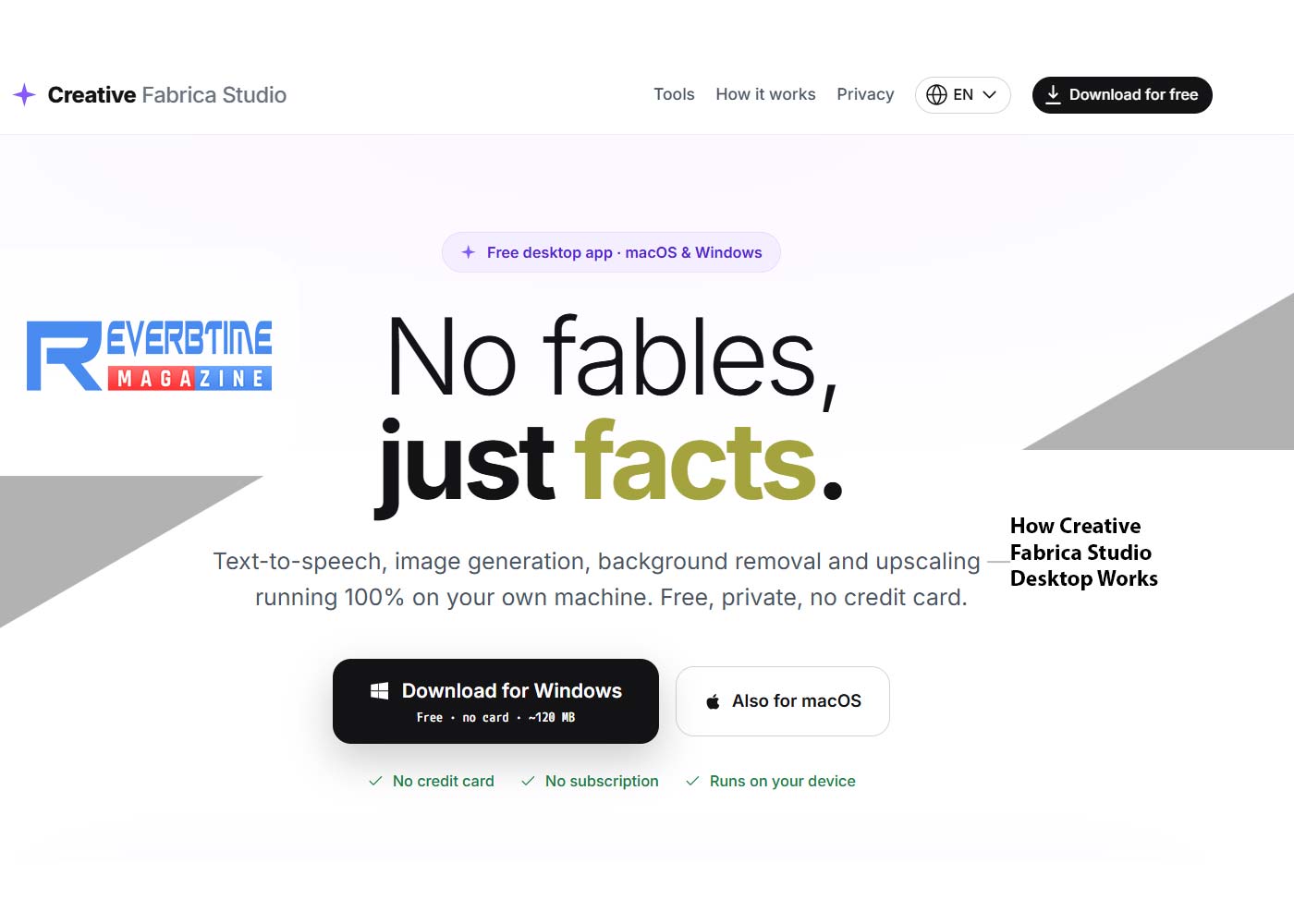
Creative Fabrica Studio Desktop is a new app built to solve
that exact problem. It is a Windows and Mac program that brings a set of AI
creative tools onto your own computer, including a free local AI background remover and an image upscaler. Once the tools are set up,
many tasks that used to require an upload and a wait can run right on your own
machine instead.
What Is Creative Fabrica Studio Desktop?
Creative Fabrica Studio Desktop is an app for Windows and
Mac that lets you use Creative Fabrica Studio together with AI models installed
on your own computer. Instead of sending an image to a server and waiting for
it to come back, supported tools such as background removal and upscaling can
work directly on your device once the model is set up.
It is worth being clear about what this means in practice.
Not every single feature in Studio is guaranteed to run without an internet
connection. What can be said with confidence, based on testing the app
directly, is this: after the model is installed, supported local tools can run
on your computer. That is a fair way to describe what is really happening,
rather than promising that the whole app works without any connection in every
case.
Why Local AI Tools Matter
Local AI tools solve a few real headaches for creators, no
matter what kind of designs you make. Here is why this approach is worth paying
attention to.
1. No need to upload every single image to a cloud tool
before you can edit it.
2. No credit system standing between you and the tools you
already installed.
3. A real benefit for anyone editing many images in one
sitting, since you are not waiting on uploads or usage limits.
4. A better fit for creators who care about where their
files go, since the processing happens on your own machine.
5. Useful when your internet connection is slow or does not
work well, since the heavy lifting does not depend on upload speed.
6. Built directly into the Creative Fabrica Studio workflow,
so you are not switching between separate programs.
None of this means cloud tools are bad. It simply means
local tools give you another option, one that fits naturally into a workflow
you may already use.
Removing a Background from a Product Photo
To see how this works in practice, here is a simple example
using a product photo, the kind many sellers shoot on a plain backdrop before
listing it online.
1. Open Creative Fabrica Studio Desktop, choose the
background removal tool and download the model to your local PC.
2. Drop in a photo of a product shot.
3. Let the local model process the image on your own
computer.
4. Review the result and save it as a transparent PNG.


The result is a clean cutout with a transparent background,
ready to drop into a listing photo, a mockup, or a print file. Because the work
happens locally, you can repeat this step for a whole batch of photos without
worrying about running out of credits partway through.
Who Is This App Best For?
Creative Fabrica Studio Desktop was built with a wide range
of creators in mind. It is worth trying if you are one of the following.
1. A designer who wants more control over where your files
are processed.
2. A small business owner who edits product photos without a
dedicated design team.
3. A crafter or hobbyist who works on personal projects and
does not want to pay per image.
4. A content creator who needs quick, clean image edits on a
regular basis.
5. A teacher or printable maker who prepares graphics for
classroom or personal use.
If any of that sounds like your week, the app is worth a
look, since it costs nothing to try.
Pros and Limitations
No tool is perfect, so it is worth looking at both sides
honestly.
Pros:
1. Free local AI tools, with no credit card required to get
started.
2. Works on both Windows and Mac.
3. Useful for background removal and image upscaling, two
tasks nearly every creator needs.
4. Built directly into the Creative Fabrica Studio setup,
instead of a separate program.
Limitations:
1. Performance depends on your computer, so an older machine
may run slower.
2. Models need to be downloaded before you can use them for
the first time.
3. Some features may still need an internet connection or a
Creative Fabrica account, depending on the task.
Being upfront about the limits of a tool tends to build more
trust than pretending it is perfect, and that is the goal here.
Frequently Asked Questions
Is Creative Fabrica Studio Desktop free?
Does the background remover run locally?
Does it work on Windows?
Does it work on Mac?
Can I use it for Etsy product photos?
Can I use it for print on demand designs?
Can I make transparent PNG files for Cricut?
Is it an alternative to cloud background removers?
Do I need an internet connection?
Are my images uploaded anywhere?
If you have been looking for free desktop AI tools for creators
that do not ask you to upload every file or pay per edit, Creative Fabrica
Studio Desktop is worth installing and testing on your own designs.
Share:


